
Open a team report
- Open Reports in the sidebar and go to the Teams tab.
- Search and filter by team or period, then open the report.
- You can also open a report from a team profile Reports tab after creating or listing evaluations for that team.
Observed structures
- In the team report, scroll to Observed Structures.
- Tap to add a structure observed during the match.
- Choose the formation on the pitch preview and fill in the structure details (phase, period, or notes when available).
- Add more structures when the team changed shape during the game.
- Save or update the report when you finish documenting structures.
Lineup and rating
- Review the match lineup and player rows attached to the report.
- Use team rating controls when you need to assign or adjust the evaluation grade on the report.
- Filter or sort player rows when the report lists many squad members.
Read and validated status
- After opening the team report, use the available review actions when you need to mark it as Read or Validated.
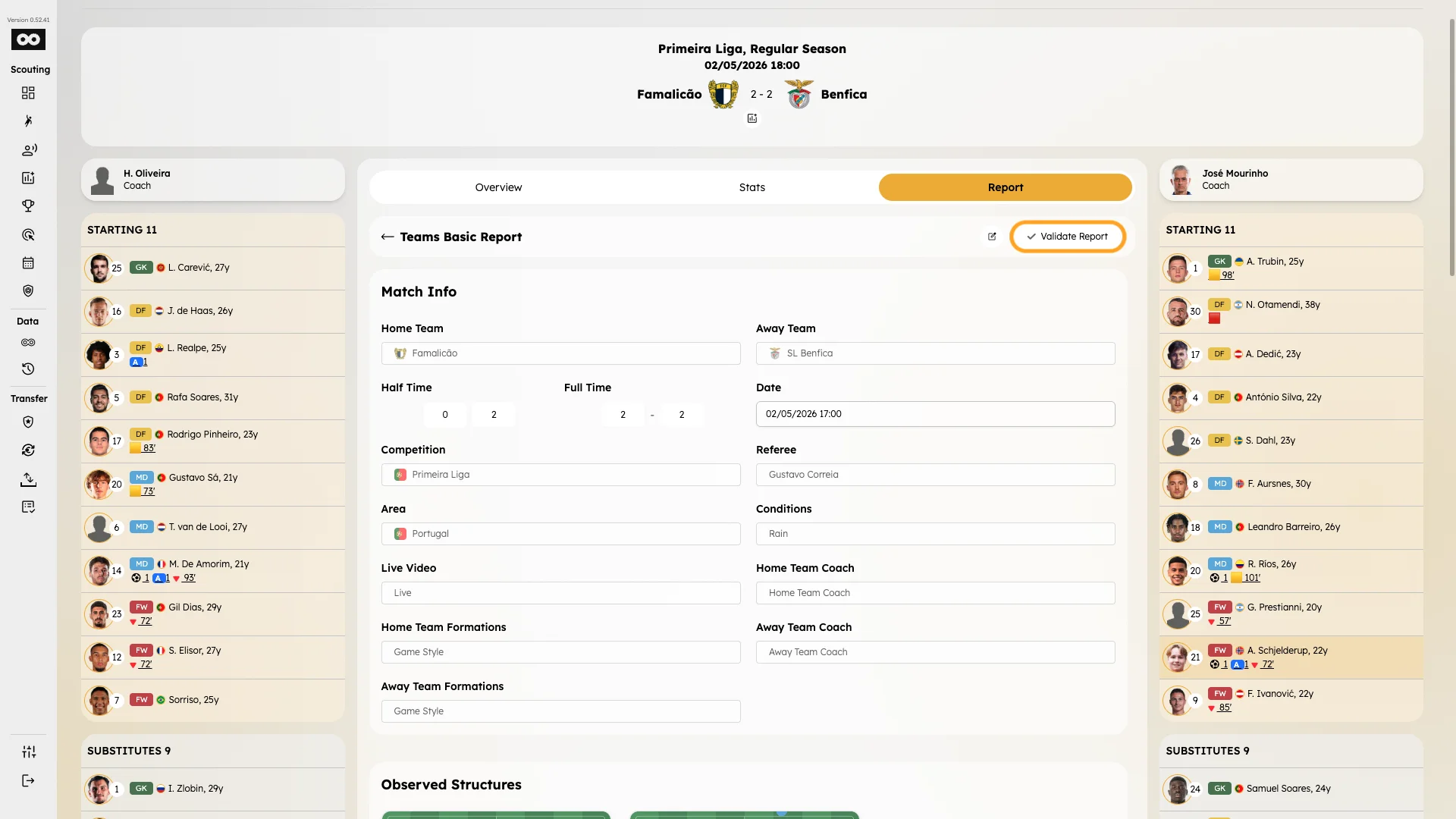
- Finish only saves and closes the report workflow; it does not replace the separate read or validated statuses.
- See Validate reports for the status behavior.